
Blog
A shipping label printer can make parcel preparation easier, but buying one before checking your actual labels can create extra work. For an online seller in Bangladesh, the useful question is simple: can this printer produce the label your delivery workflow needs, from the device you already use?
Start with a sample shipping label, your computer or phone, and an estimate of your busiest packing day. Those three details are more useful than choosing by appearance or price alone. This guide explains what to check before ordering and how to assess the Thermatek 1480B in the PrintersBD catalog.
Start with your parcel label, not the printer
Download a real label from the system you use to prepare shipments. Check its intended paper size and whether the file contains one label per page or several labels on a larger sheet. A printer purchase will not automatically change the layout of that file.
For example, a Facebook clothing seller may prepare orders on a phone while a small warehouse uses a desktop computer. Both send parcels, but their printing steps can differ. Write down who creates the label, who prints it, and who matches it to the parcel.
Also separate shipping labels from small product stickers. A price or SKU label attached to an item has a different purpose from an address label on a parcel. If you need both, bring examples of both before selecting equipment.
Choose a label size that matches the source file
PrintersBD lists several shipping label sizes. They give you options, but the correct choice depends on your label template and the information it must carry.
| Catalog label size | Pack quantity | What to check |
|---|---|---|
| 100 × 75 mm (4 × 3 inches) | 500 pcs | Whether your template fits the shorter label without losing information |
| 100 × 100 mm (4 × 4 inches) | 500 pcs | Whether the source layout is suitable for a square label |
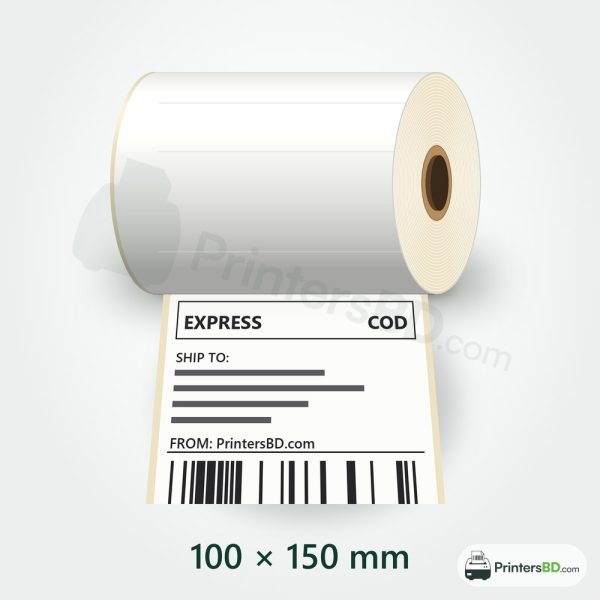
| 100 × 150 mm (4 × 6 inches) | 500 pcs | Whether your exported shipping label uses this page size |
The 100 × 150 mm direct thermal shipping labels are one option to assess against your actual file. You can compare the other sizes in the shipping labels category. These labels are listed as “Ask for price,” so request the current quotation before calculating your running cost.
Do not assume that shrinking a larger document will produce a usable label. Ask for a sample print and inspect the address, order reference and barcode at the intended size. Confirm the printed result with your delivery workflow before buying labels in quantity.
A catalog option: Thermatek 1480B
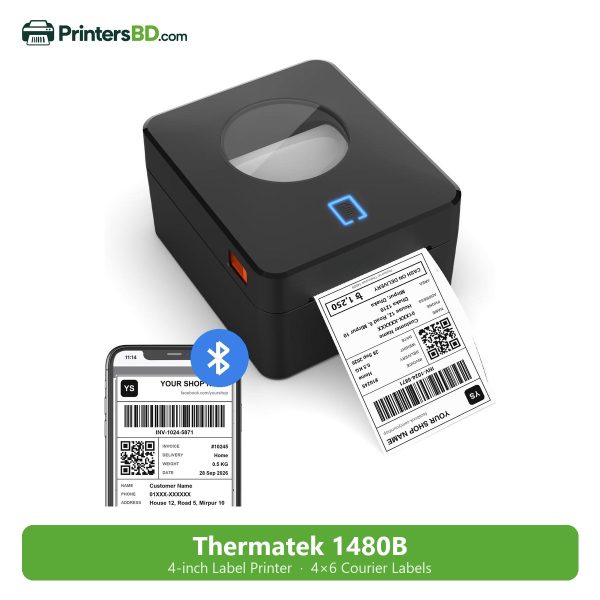
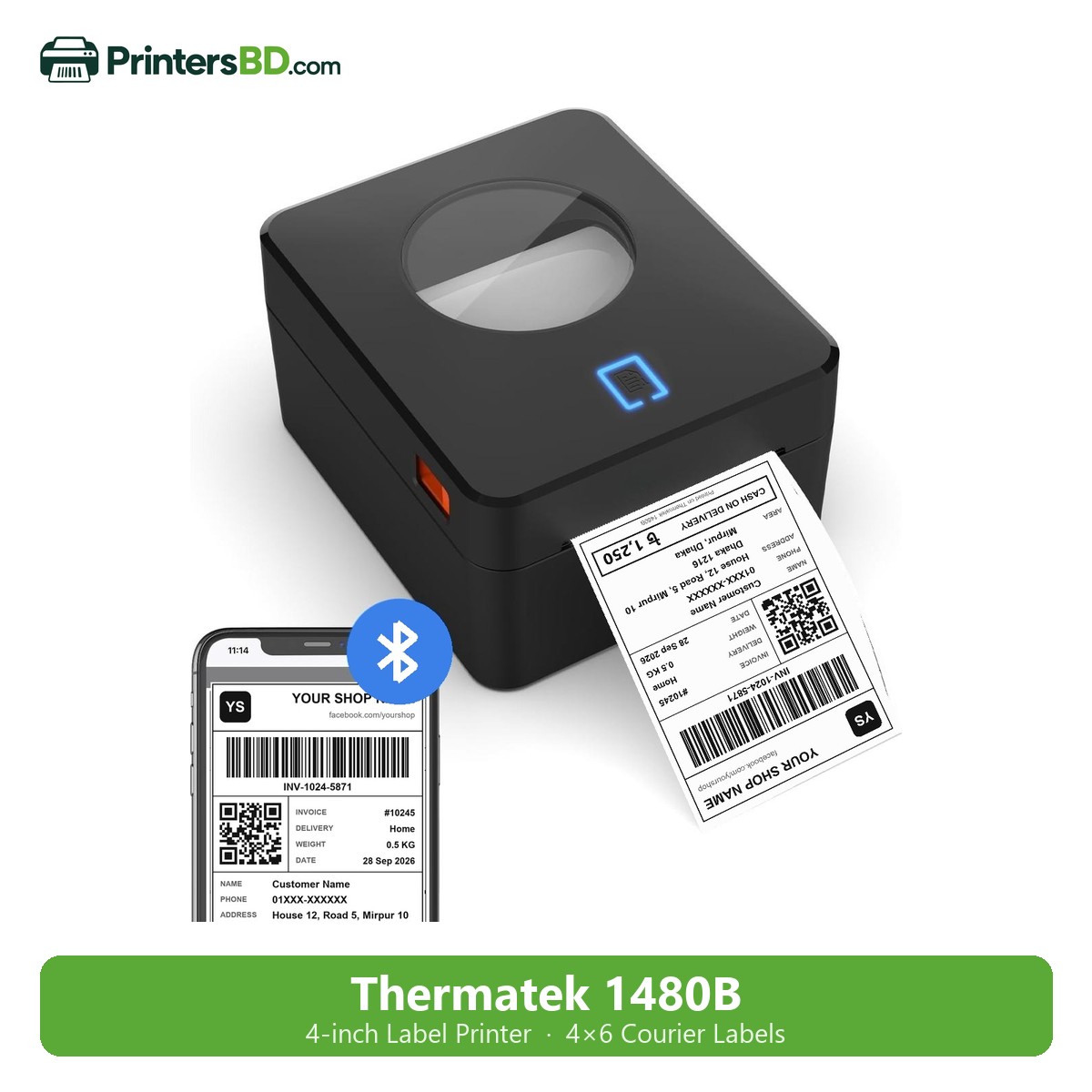
The Thermatek 1480B 4-inch Thermal Label Printer is listed at ৳7,000. The catalog identifies it as a desktop direct thermal printer with USB and Bluetooth connectivity.
- Resolution: 203 dpi.
- Listed print speed: 160 mm/s.
- Listed print width: 110 mm.
- Interfaces: USB and Bluetooth.
- Warranty: 1 year.
These details make it a model to evaluate for a parcel packing desk. However, interface availability alone does not confirm that your exact phone, operating system, app or label file will work as expected. Ask PrintersBD to check your intended setup before ordering.
The listed print width also does not answer every media question. Confirm the selected label roll, its dimensions and the way it will be loaded or fed. If you plan to use an external roll arrangement, describe it during the setup discussion rather than assuming the accessories are included.
USB or Bluetooth: check the complete workflow
If a staff member prepares and prints shipments from one computer, discuss the USB setup first. Share the operating system and the software or browser workflow used to generate labels. Ask what installation and page-size settings will be needed.
If you work from a phone, share the phone model, operating system, printing app and a sample file. Bluetooth on the product listing is a connection feature; it is not a promise that every app can print directly to the device.
For a packing team, agree on which device controls printing. A clear process helps staff avoid sending the same order twice or mixing labels from different packing batches. Keep the first setup simple enough for the person who will use it every day.
Calculate the cost beyond the printer
Your initial budget should cover the printer and a suitable first supply of labels. Ask whether your workflow needs any additional accessories or software, and confirm those costs separately. Do not treat an accessory pictured elsewhere as part of the printer package.
For running costs, divide the quoted roll price by the listed number of labels. Then allow for test prints and occasional reprints when planning your monthly label requirement. This gives you a more useful budget than considering only the printer purchase price.
For example, if your business sends 30 parcels on each of 26 working days, that is 780 parcel labels before tests or reprints, assuming one label per parcel. A 500-piece roll would not cover that whole month. Use your own order numbers to estimate purchases.
Test a complete packing cycle
- Generate a real sample label with the intended page size.
- Print it from the device and application staff will actually use.
- Check that text and codes are complete and correctly positioned.
- Attach the label to your usual packaging and inspect the result.
- Check the code using the intended scanning workflow where possible.
- Repeat with several different orders to check label-to-parcel matching.
A sample test is particularly useful when you are moving from ordinary paper and tape to adhesive labels. It exposes layout and handling issues before you order a large supply. It also gives the packing team a clear example to follow.
What to send before asking for a recommendation
Send your approximate daily parcel count, busiest-day volume, sample label file, required label dimensions and printing device details. Mention whether you also need small product stickers. These details allow a recommendation to address the whole job.
You can browse shipping label printers and then ask for a setup check. For a small business, the right purchase is the one that produces the required labels reliably within the actual packing process.
বাংলায় সংক্ষেপে
Shipping label printer কেনার আগে আপনার আসল label file, label size এবং কোন মোবাইল বা কম্পিউটার থেকে প্রিন্ট করবেন, তা যাচাই করুন। Thermatek 1480B-এর ক্যাটালগ মূল্য ৳৭,০০০; এতে USB ও Bluetooth রয়েছে। তবে আপনার নির্দিষ্ট app ও label format দিয়ে প্রিন্ট হবে কি না, কেনার আগে নিশ্চিত হওয়া প্রয়োজন। মাসিক খরচ হিসাবের সময় label-এর দাম এবং test print-ও ধরুন।
Need help choosing?
Send your sample label and device details to PrintersBD on WhatsApp 01894-420580 for help choosing a printer and matching labels. Free setup help is available on WhatsApp, with cash on delivery across Bangladesh.